

For iPhone
Turn impulse buys into investments.
tarpp steps in at checkout and shows what that money could grow to, so you can invest it instead.
Works with Safari on iPhone.
Free to use. Pro is $9.99 a month or $59.99 a year, with a 7-day free trial.
How it works
A moment to think before you buy
-
Shop in Safari as usual
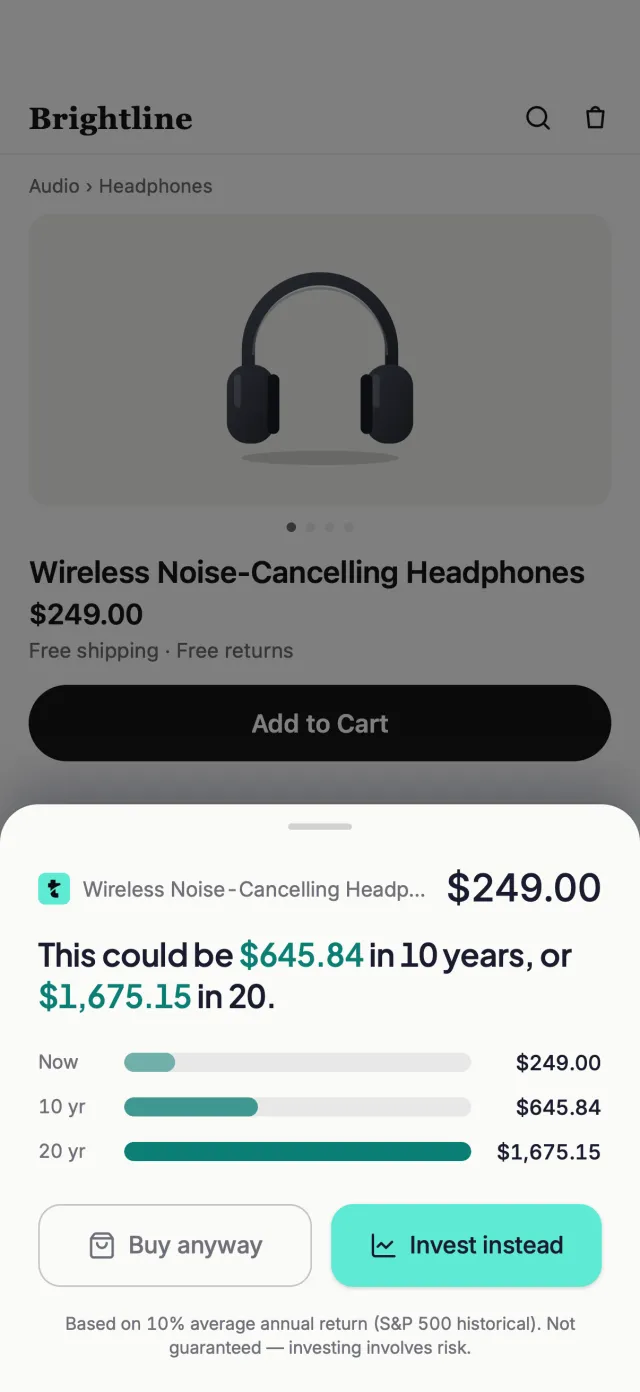
Turn on the tarpp extension in Safari. When you tap Add to Cart or Buy Now on a product page, tarpp steps in, only for purchases over the minimum you choose ($25 to start).
-
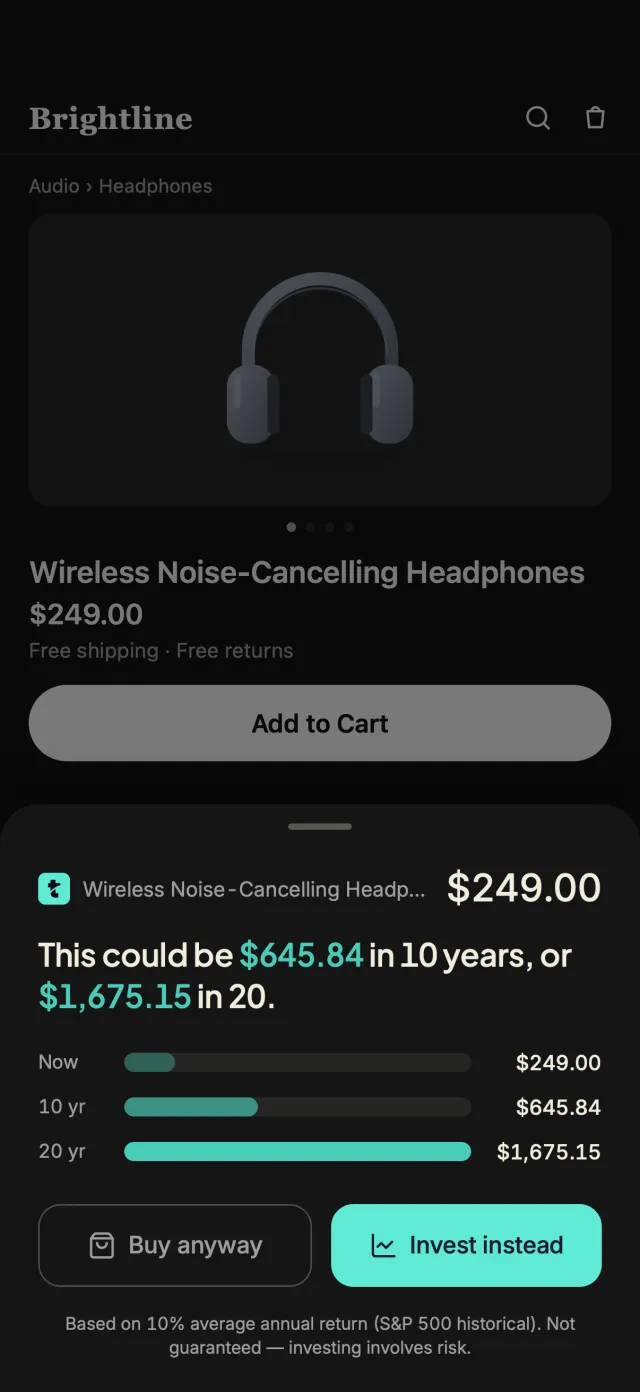
tarpp shows what the money could become
See what the price could grow to in 10 and 20 years. Choose Invest instead to go to your own brokerage's website, or Buy anyway to carry on with your purchase. Choosing Invest instead is called a redirect, and tarpp keeps track of each one.
-
Track it growing
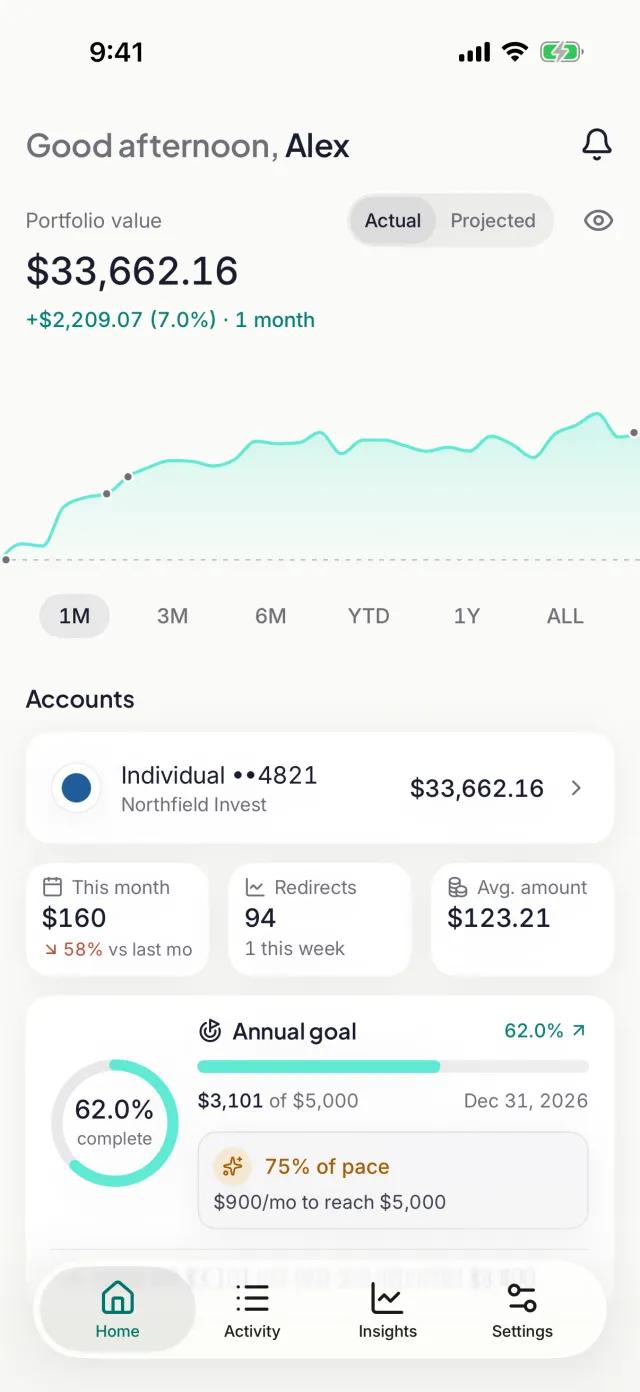
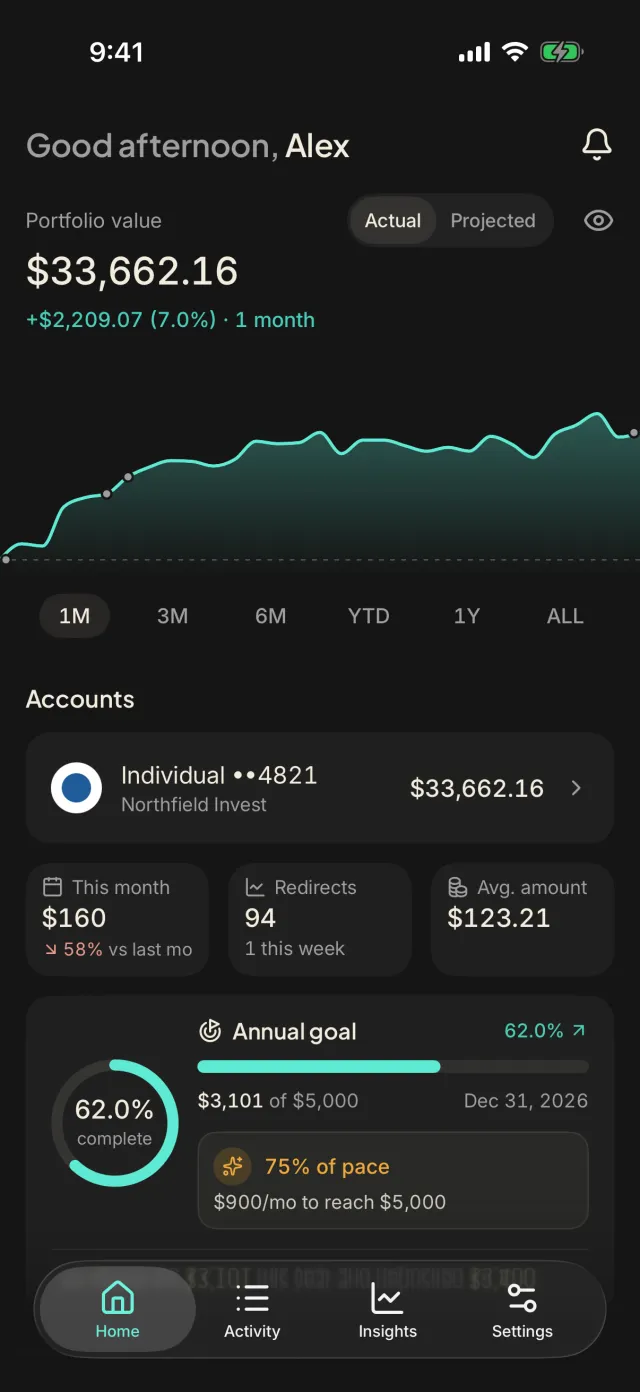
Link your investment account (read-only, through Plaid) to see your portfolio and deposits, and follow your progress toward a yearly goal.
Your money stays yours
tarpp never holds or moves your money
Invest instead takes you to your own brokerage, where any deposit or investment is yours to make. tarpp keeps track of your choices and shows what your accounts report.
- Accounts connect read-only through Plaid. tarpp never sees your brokerage login, and it can't trade or transfer.
- Linking is optional. Everything else in tarpp works without it.
- Delete your account and its data from the app's Settings at any time.
Features
Everything in one calm place
Steps in at checkout
A short pause when you tap a buy button, with what the money could become. You choose a minimum price, from $0 to $100.
A yearly goal
Choose how much to redirect this year ($5,000 to start) and see how you're pacing, with what it takes each month to get there.
Every choice, logged
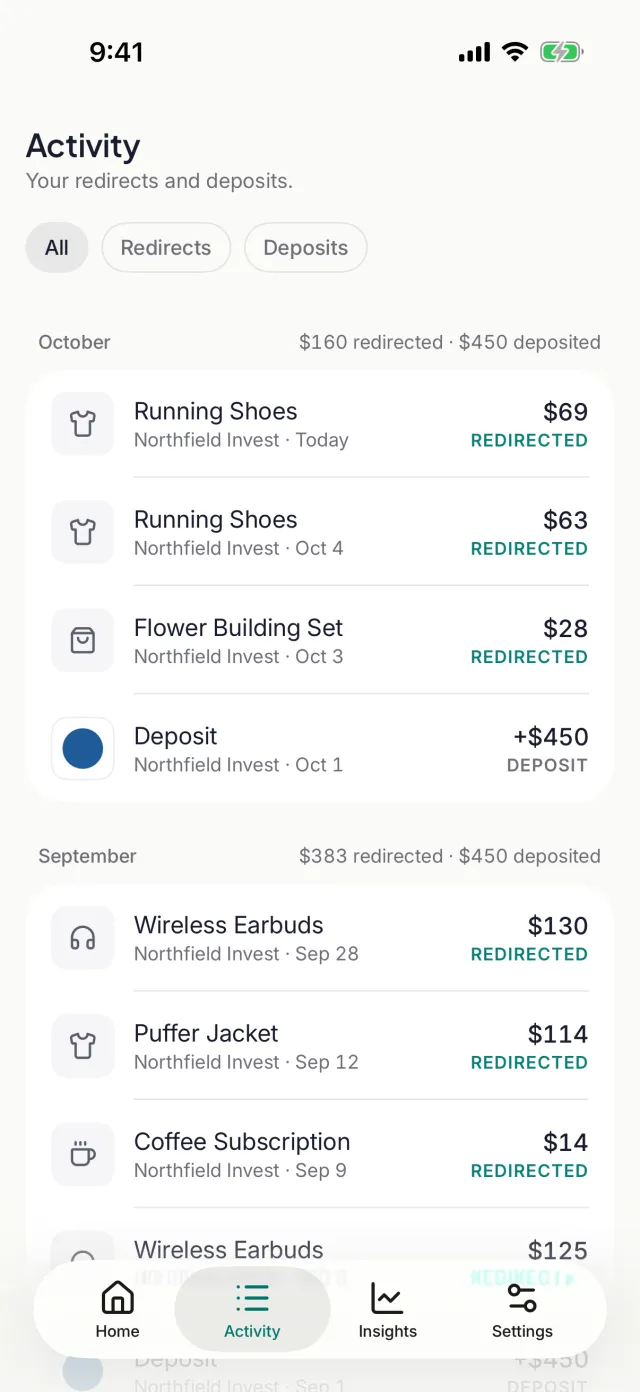
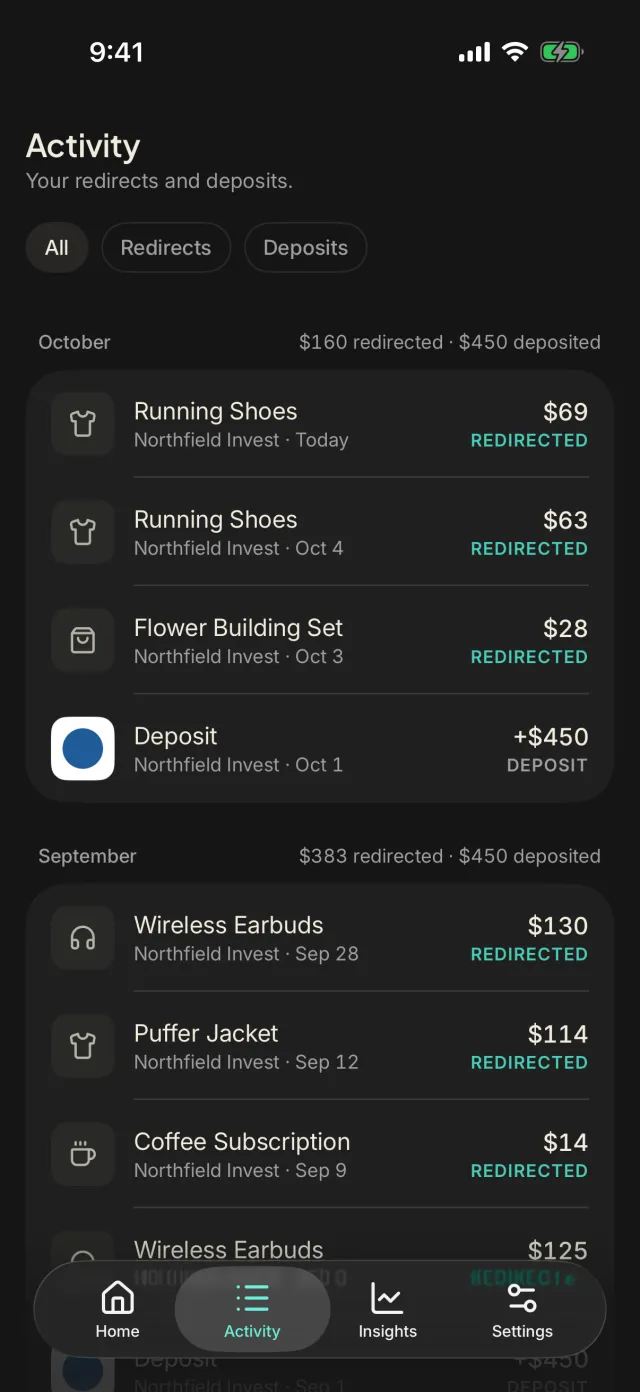
Activity lists each time you chose Invest instead, alongside your brokerage deposits, month by month. You can export it all as a spreadsheet.
Your portfolio
See your linked investment accounts' combined value, how it has moved over time, and the deposits you've made.
Insights into your habits
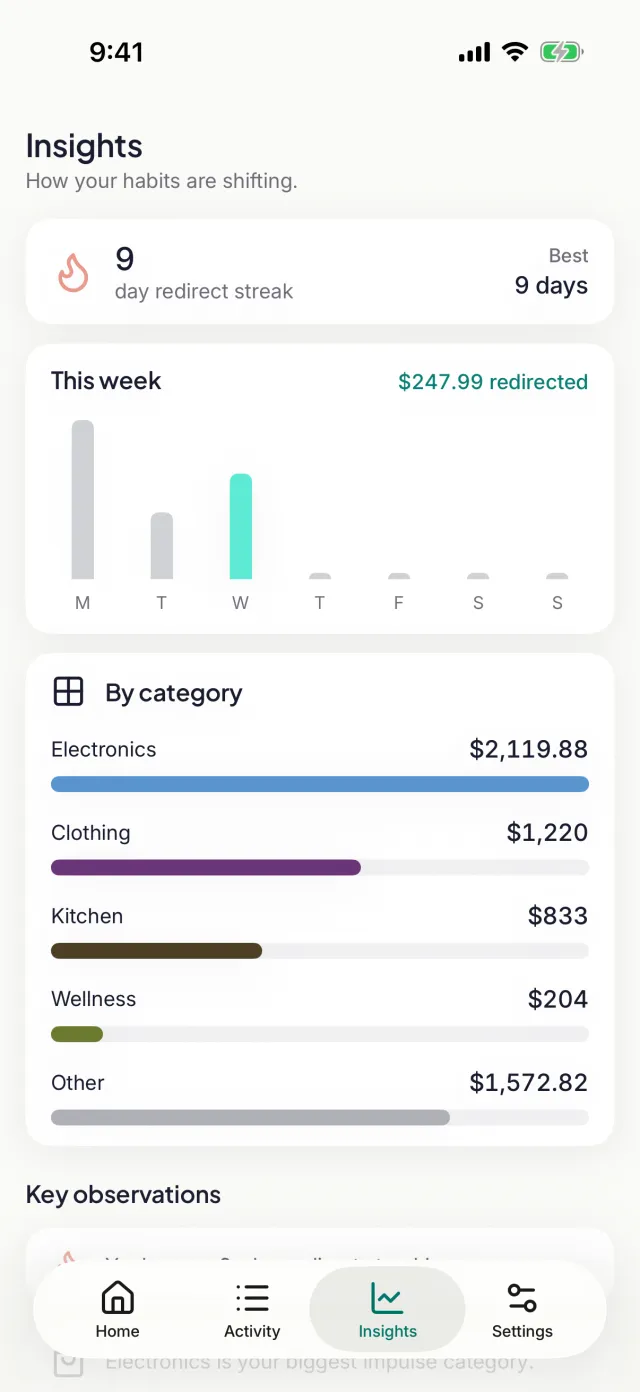
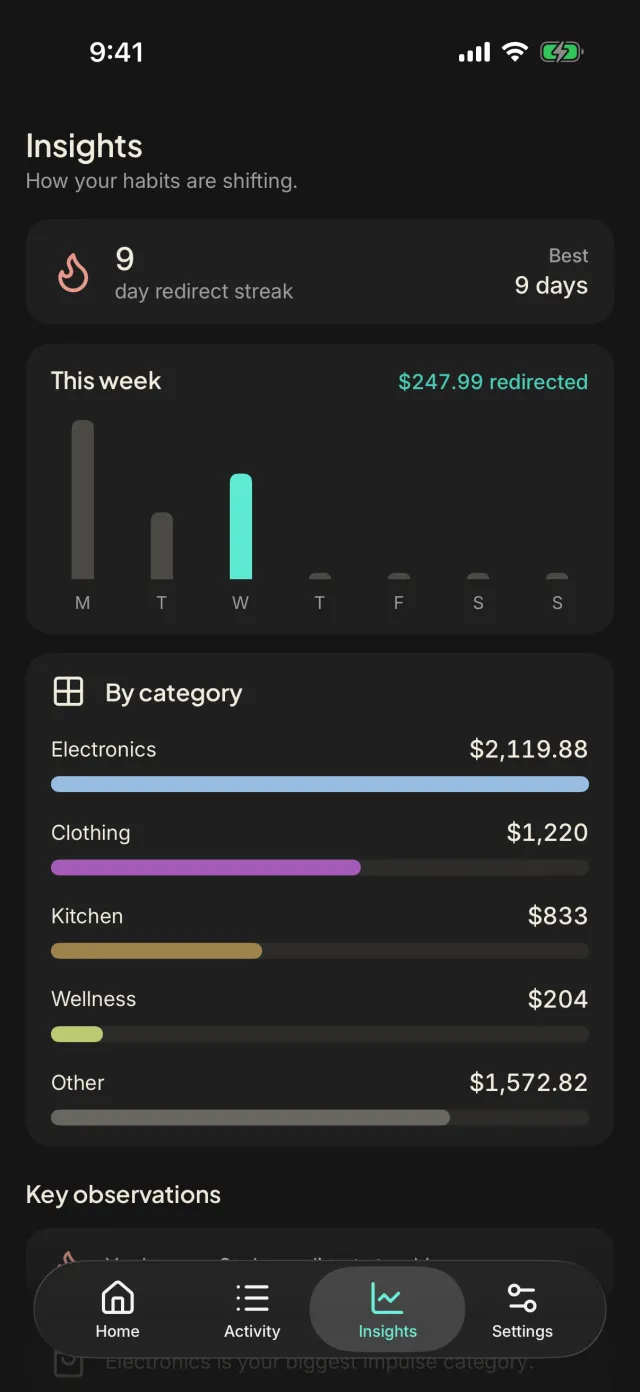
Your streak, your week and the categories where you skip buying most. Pro adds trends, top stores and when you're most tempted.
Private by design
Hide balances with one tap, lock the app with Face ID, and choose which notifications you get: a weekly recap, milestones and more.
Insights
See how your habits change
Streaks, your week and the categories where you skip buying most come with every account. Pro adds trends over time, what your redirects could be worth, your top stores, when you're most tempted and how your choices are trending.
Pricing
Start free. Go Pro when you want more.
Pro is billed through your Apple Account and can be cancelled anytime.
Free
$0
- Steps in at checkout
- Your yearly goal and pace
- Activity and Insights
- 1 linked investment connection
Pro
7-day free trial$9.99 / month
or $59.99 / year Save 50%
- Everything in Free
- Up to 3 linked investment connections
- Remind me later: come back to an item at a time you pick
- Deeper Insights: trends, what it could be worth, top stores, when you're tempted and your choices
Subscribe in the app after you download.
Prices in US dollars. One free trial per Apple Account, on either plan. Pro renews automatically unless cancelled at least 24 hours before the end of the current period.
FAQ
Questions, answered
Does tarpp hold or move my money?
No. tarpp never holds, moves or invests your money. Invest instead opens your own brokerage's website, and any deposit or investment is yours to make there. In tarpp, a redirect records your choice, not a transfer.
How do my accounts connect?
Through Plaid, read-only. You sign in to your brokerage in Plaid's own screens, so tarpp never sees your username or password, and it can't trade, transfer or change anything.
What can the Safari extension see?
It reads the page you're on to find a product's name, price and picture, and only steps in when you tap a buy button. It saves something only when you choose in its sheet, and the extension itself never talks to tarpp's servers.
How do I cancel Pro?
Pro is billed by Apple, so it's cancelled in your Apple Account: on iPhone, Settings › your name › Subscriptions, or in tarpp, Settings › Plan › Manage subscription. You keep Pro until the end of the period you've paid for.
Make your next impulse buy an investment.
tarpp is coming soon to iPhone.
Works with Safari on iPhone.